
Invoicing
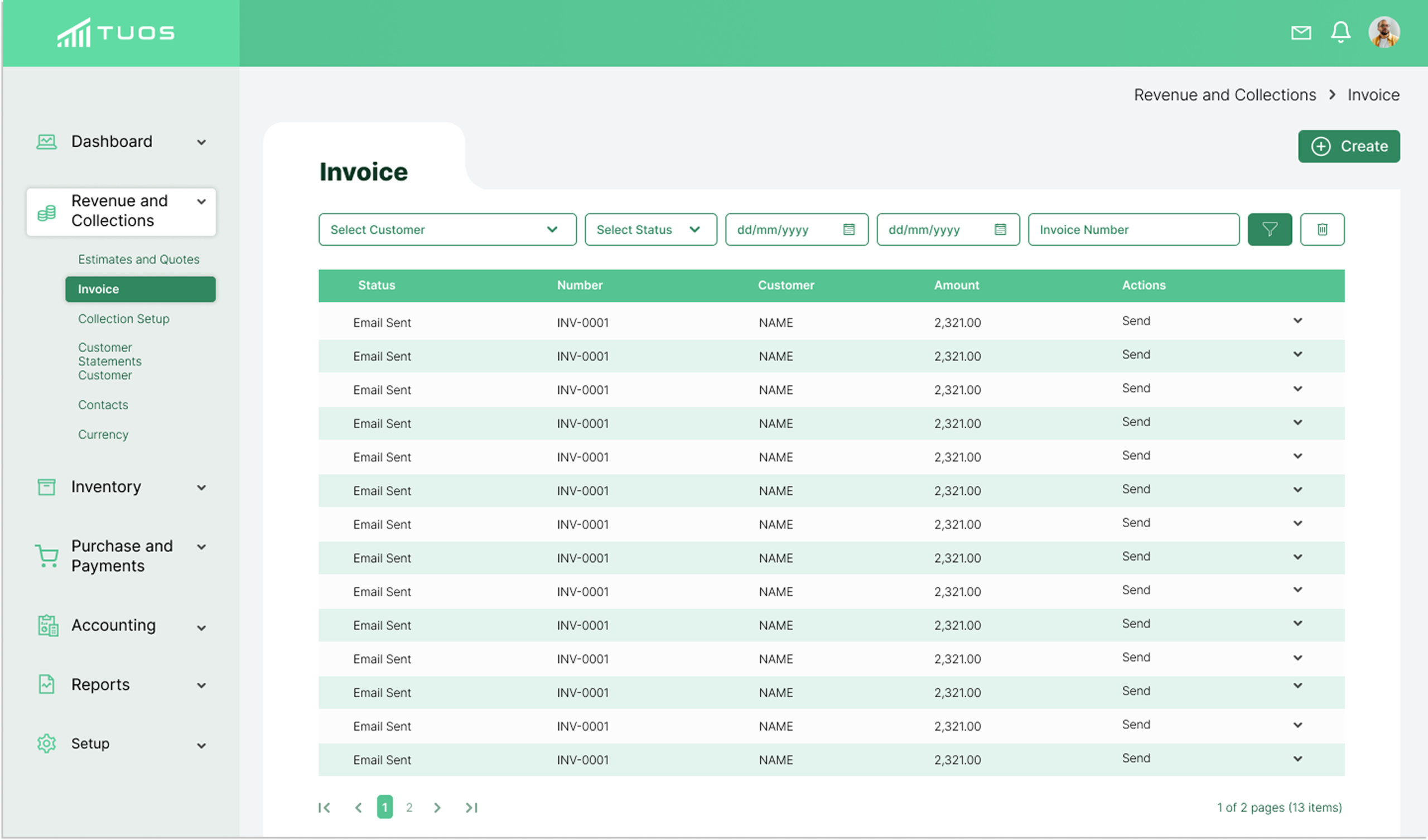
With TUOS Invoicing, managing your business finances has never been easier.
Create professional looking invoices in seconds
Create professional-looking invoices in seconds and transform the way you manage your business finances. With easy-to-use tools and beautifully designed templates, you can generate polished, branded invoices that reflect your professionalism and attention to detail.
Manage timelines effectively
Dedicate a specific number of hours to your client’s retainer and schedule work against that amount at a pace that works for both you and your client.
Create professional reports
Generate and send retainer summary reports at any point during a retainer period to keep your clients happy and informed.
Tame scope creep
When project deliverables change it’s easy to highlight what’s new and discuss the impact to your retainer amount and timeline.
Streamline your workflow
Recurring invoicing, time tracking, project management and reporting all seamlessly work together with this one, easy-to-use tool.
Frequently Asked Questions
Does TUOS recurring Invoicing?
Yes! TUOS supports recurring invoicing to help you automate your regular billing. You can easily set up invoices to be sent automatically on a weekly, monthly, or custom schedule — perfect for ongoing clients or subscription-based services. This feature saves time, reduces manual work, and ensures you never miss a billing cycle.
Is TUOS compatible with a Mac?
Yes — TUOS is compatible with Mac systems. You can use it on both Intel-based Macs and Apple Silicon (M1/M2) Macs, as long as the macOS version is current and still receiving updates.
Are TUOS invoices professional looking?
Yes — with TUOS you can create clean, well-designed invoices that reflect your brand. They include editable fields for your company logo, service details, invoice number, due date, and payment instructions — helping you present a polished image and make a strong impression with clients.
If you like, I can pull together five sample invoice layouts and highlight which design elements (fonts, spacing, brand-colours, logo placement) TUOS supports so you can show your visitors exactly what “professional” looks like.
Are my invoices safe with the cloud?
Yes — your invoices are safe in the cloud. TUOS uses secure cloud technology to store and protect your data. All information is encrypted, both during transfer and while stored, ensuring that only authorized users can access it.
How do I calculate my taxes on invoices?
To calculate taxes on your invoices, you’ll first need to know which tax rates apply to your products or services — for example, VAT, GST, or sales tax, depending on your location. Once you know the rate, simply multiply the taxable amount by the tax percentage.
Here’s a quick formula:
Tax Amount = (Subtotal × Tax Rate)
For example, if your subtotal is $1,000 and your tax rate is 10%, your tax would be $100, making the total invoice amount $1,100.
If you’re using TUOS, the system can automatically calculate taxes for you. You can:
Set default tax rates for all invoices or customize per client/service.
Include multiple tax rates if required.
See tax breakdowns clearly displayed on every invoice.
This ensures accuracy and saves time — no more manual calculations or tax errors.